
- Computing
- Software
- Windows
Too much fudge spoils your desktop appetite
Comments (0) ()When you purchase through links on our site, we may earn an affiliate commission. Here’s how it works.
 (Image credit: Getty Images)
- Windows 11 recently received a fix for File Explorer sluggishness
- The cure is in preview, and tackles the overly slow opening of folders by using preloading
- Based on initial testing it seems to work well enough, although some folks still aren't happy
Windows 11 has a fix for the slow initial opening of File Explorer in preview right now, and some early testing indicates that it works – although that doesn't mean it's ideal, and this whole affair still highlights a major shortcoming for Microsoft.
File Explorer is the app that kicks in to power your folders every time you open one on the desktop, so it's a fundamental piece of the interface machinery in Windows 11.
Ever since Windows 11 arrived, there have been complaints about it being way too slow the first time you open a folder or drive (and other grievances besides). Microsoft finally came up with a solution in a recent preview build – involving preloading File Explorer when the PC first boots up – and Windows Latest just ran this fix through its paces.
You may like-
 Windows 10 adoption is stalling, so Microsoft must fix a major issue
-
 Ouch! Microsoft admits Windows 11's OneDrive syncing could be slowing down your PC
-
 11 things you probably didn't know about Windows 11
We get some neatly compiled video evidence showing the difference between Windows 11 opening File Explorer (in a virtual machine) for the first time as it stands, and then with the preview fix applied to compare and contrast.
The result is that Microsoft's cure clearly makes things a good deal faster for the startup of File Explorer. Without the fix, it takes around two full seconds to open and get to a fully finished state (with all icons manifested, ready to go). With the fix, that's reduced by about two-thirds of a second (based on some rough stopwatch timing).
It might even be closer to a full second, but whatever the case, there's no doubt that it's a good deal snappier, and that's with nothing much running; a second test, with the system more bogged down with other tasks, shows File Explorer opening way faster with the fix.
Windows Latest also observes that the preloading fix does take up some RAM, though – making File Explorer use 67MB rather than 32MB of system memory – which is a slight drawback (I'll come back to that).
Get daily insight, inspiration and deals in your inboxContact me with news and offers from other Future brandsReceive email from us on behalf of our trusted partners or sponsorsBy submitting your information you agree to the Terms & Conditions and Privacy Policy and are aged 16 or over.Still, overall the website concedes that "preloading does make the File Explorer faster" and notes that "the 35MB RAM usage is actually worth it here" as a result.
Analysis: Windows 11 needs some different tins
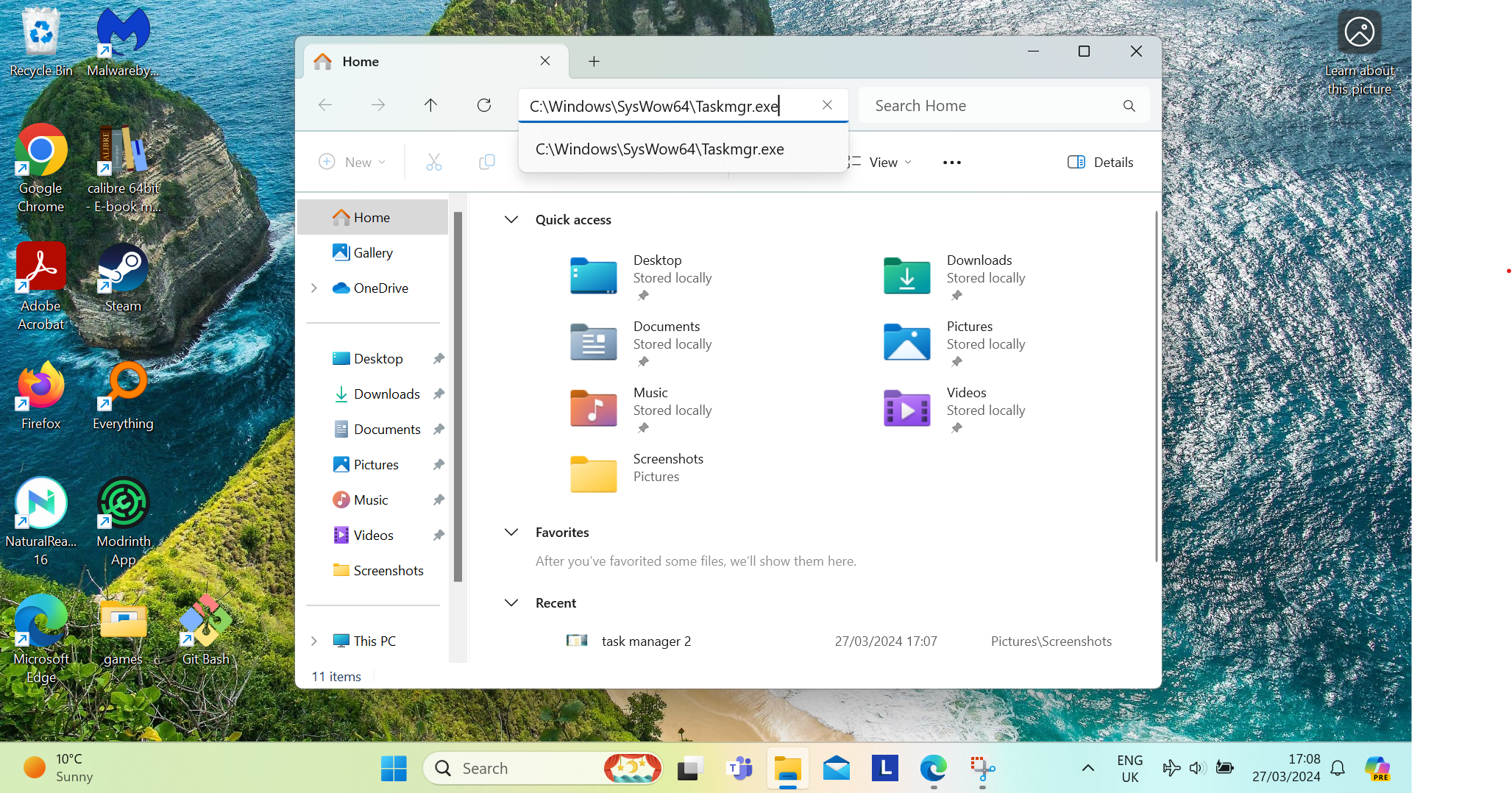
Despite that overall positive conclusion, Windows Latest complains that File Explorer still isn't fast enough, away from its startup time – and that's true, but Microsoft only promised to fix the initial speed of it opening in this recent preview build, not anything else. So, leveling a criticism at a solution that didn't do something it didn’t promise to do seems unfair when it's clearly successful at achieving its aim (addressing the slow startup).
Mind you, it's not as unfair as some of the other flak that's been fired at Microsoft over this, such as Tech PowerUp which proclaims: "Preloading File Explorer in Windows 11 doubles RAM usage, offers minimal speed boost".
You may like-
Windows 10 adoption is stalling, so Microsoft must fix a major issue
-
Ouch! Microsoft admits Windows 11's OneDrive syncing could be slowing down your PC
-
11 things you probably didn't know about Windows 11
A minimal speed boost? In what way? It's a decent speed boost at worst, certainly worthwhile, and a really good performance boost in some scenarios (heavy loads), at least based on this initial testing. (I suspect that some PCs will find even more of a performance gain here, too – but that's just speculation, of course).
And yes, the fix doubles RAM usage, but it doubles the consumption from a very tiny amount to a tiny amount. In the grand scheme of things, is an extra 35MB all that much? No, it isn't really, and a lot of the potshots being taken at Microsoft's solution here feel overblown and cynical. And don't get me wrong – I can be cynical about the software giant with the best of them.
So, with all that in mind, it's worth pausing for thought here, as I agree that the extra RAM usage isn't ideal, but moreover it's symptomatic of a wider problem with Windows 11. What Microsoft has done here is to preload File Explorer, as noted, so that means getting the app going in the background automatically when Windows 11 starts up. Then, because it's already there, and not being loaded when you click to actually open a folder, File Explorer loads more nimbly.
However, if Microsoft were to preload more and more apps and system components in Windows 11, those small drips of extra RAM usage would slowly add up to a more appreciable drain on system resources – so yes, this isn't ideal from that perspective.
It underlines a bigger problem with Microsoft's attitude to Windows 11 – we get a quicker fudge rather than a proper fix. It works, but it's far from ideal in its implementation.
An entirely smoother incarnation of File Explorer is what we really want, resolving not just startup woes, but the overall performance pain points that Windows Latest points out. Is that going to happen? I hope so, eventually, but it seems that Microsoft is happy to patch things as it stumbles along in a haphazard way, rather than having a cohesive and overarching plan to tackle Windows 11's performance troubles (which aren't confined to File Explorer, it should be noted).
Is this the way to run a flagship operating system, the reigning monarch of the desktop OS world? I'd suggest it isn't; and more to the point you've got to wonder how, way back at Windows 11's launch, did File Explorer end up shipping in the state it did to begin with? It feels like Microsoft wanted to cram in extra functionality (cloud syncing elements for one thing, along with underlying interface tweaks), and did that at the expense of performance on a rushed timeline.
At any rate, what we can't say is that this new fix doesn't work. As an individual piece of Windows 11 tweaking, it delivers a nice speed boost, with a light enough trade-off RAM-wise, judging from this round of testing (the caveat being that we could find differently with wider usage). Still, right now, I don't think you can argue with the fact that this preloading fix does what it says on the tin – I just wish Microsoft had some different tins in the first place.
 The best computers for all budgetsOur top picks, based on real-world testing and comparisons
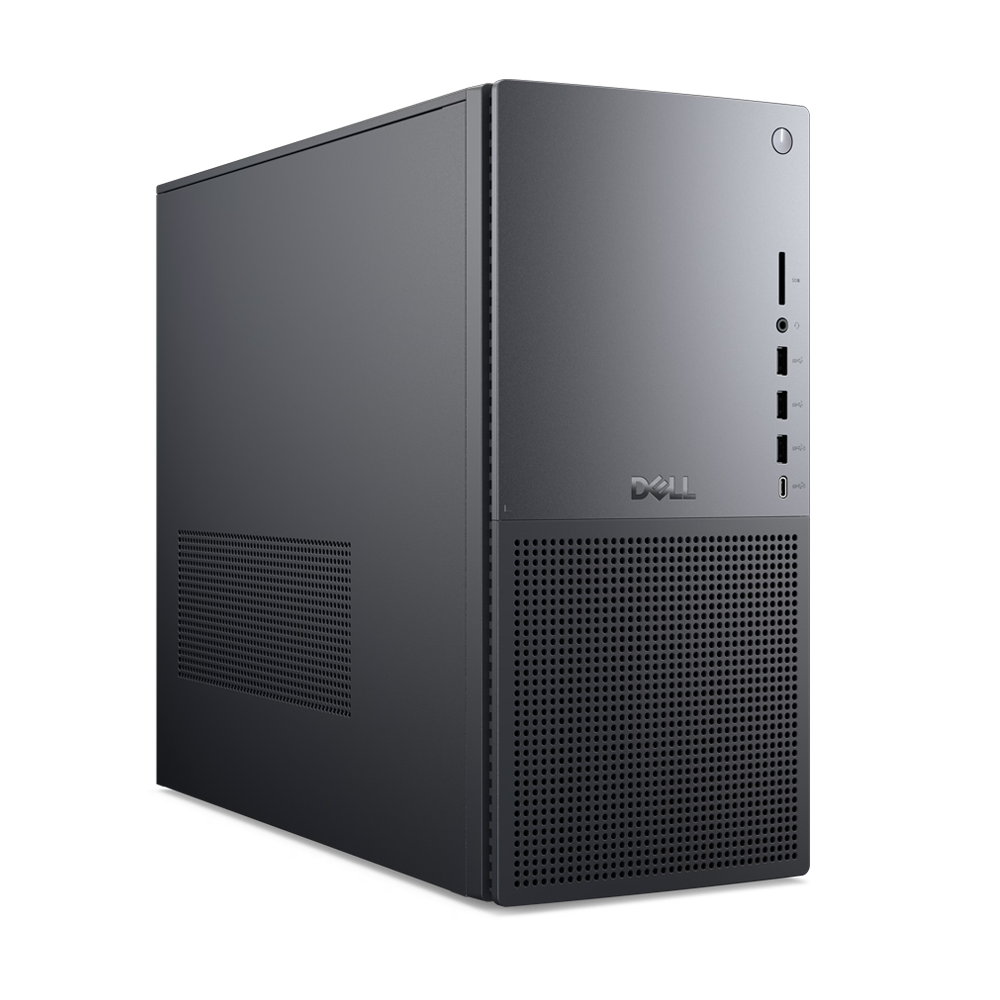
➡️ Read our full guide to the best computers1. Best Windows: Dell Tower Plus2. Best Mac: Apple Mac mini M43. Best Mac AIO:Apple iMac 24-inch (M4)
Follow TechRadar on Google News and add us as a preferred source to get our expert news, reviews, and opinion in your feeds. Make sure to click the Follow button!
And of course you can also follow TechRadar on TikTok for news, reviews, unboxings in video form, and get regular updates from us on WhatsApp too.
TOPICS Windows 11 Darren AllanDarren is a freelancer writing news and features for TechRadar (and occasionally T3) across a broad range of computing topics including CPUs, GPUs, various other hardware, VPNs, antivirus and more. He has written about tech for the best part of three decades, and writes books in his spare time (his debut novel - 'I Know What You Did Last Supper' - was published by Hachette UK in 2013).
You must confirm your public display name before commenting
Please logout and then login again, you will then be prompted to enter your display name.
Logout Read more
Windows 10 adoption is stalling, so Microsoft must fix a major issue
Ouch! Microsoft admits Windows 11's OneDrive syncing could be slowing down your PC
11 things you probably didn't know about Windows 11
 Windows 11 gets improved dark mode – but Microsoft breaks the feature for some unfortunate users
Windows 11 is getting a new trick to make your PC more reliable – and Microsoft has fixed a security flaw in File Explorer
Windows 11 gets improved dark mode – but Microsoft breaks the feature for some unfortunate users
Windows 11 is getting a new trick to make your PC more reliable – and Microsoft has fixed a security flaw in File Explorer
 Windows 11 review
Latest in Windows
Windows 10 adoption is stalling, so Microsoft must fix a major issue
Dell paints bleak picture of Windows 11's lack of popularity at End of Life
Windows 11 review
Latest in Windows
Windows 10 adoption is stalling, so Microsoft must fix a major issue
Dell paints bleak picture of Windows 11's lack of popularity at End of Life
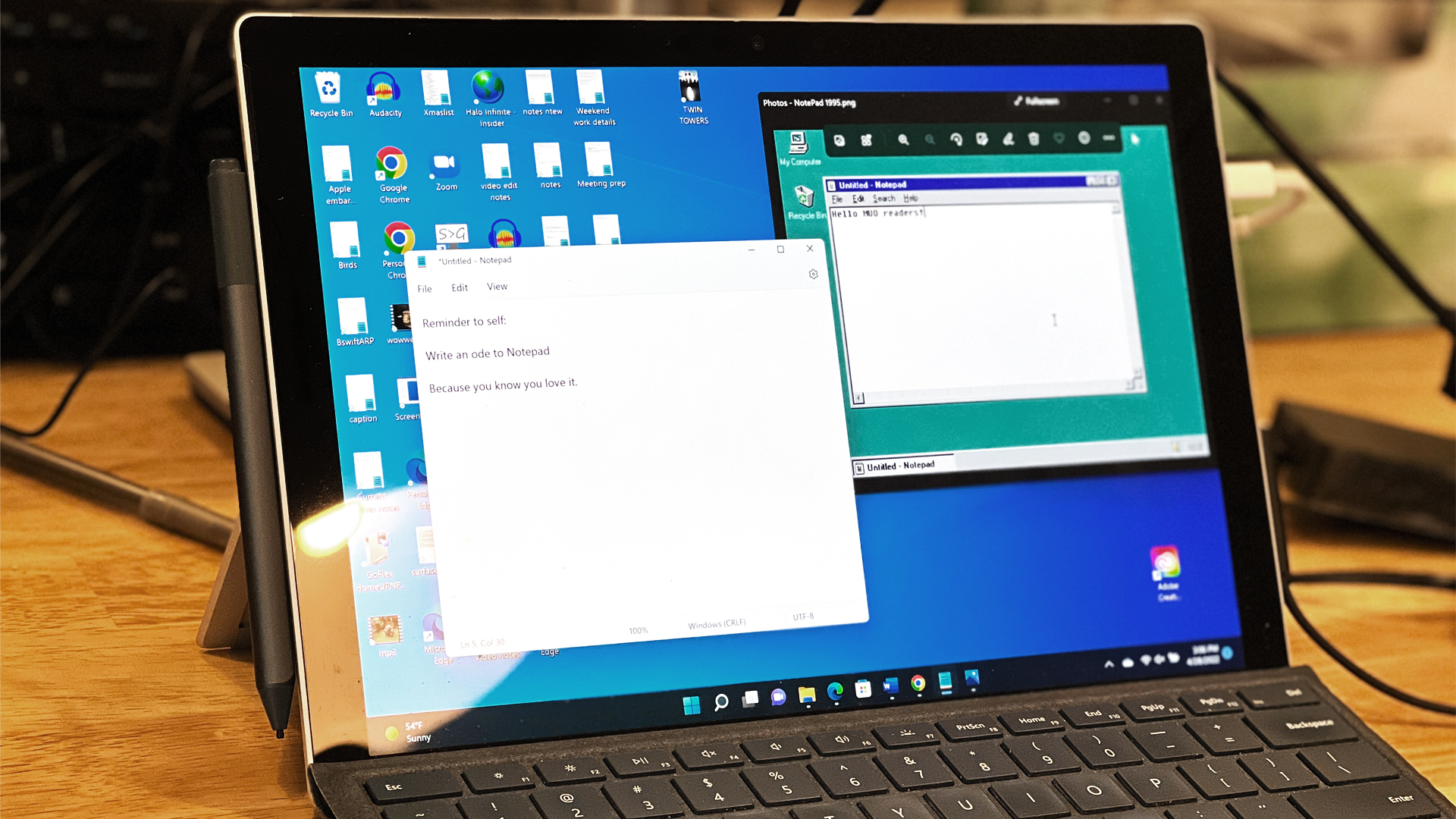 Windows 11's Notepad gets support for tables and bolstered AI powers
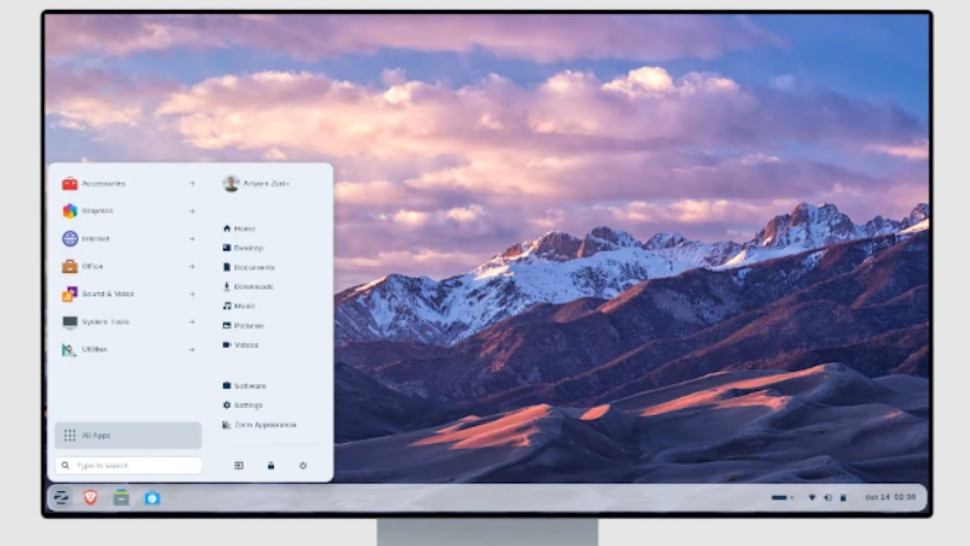 A Linux OS has got a million downloads since Windows 10 support ended
 Fed up with sluggish folders in Windows 11? Microsoft says it's fixing this
Microsoft flexes on Copilot's coding skills and an anti-AI barrage ensues
Latest in News
Windows 11 File Explorer fudge works, I just wish it was fixed properly
Fed up with sluggish folders in Windows 11? Microsoft says it's fixing this
Microsoft flexes on Copilot's coding skills and an anti-AI barrage ensues
Latest in News
Windows 11 File Explorer fudge works, I just wish it was fixed properly
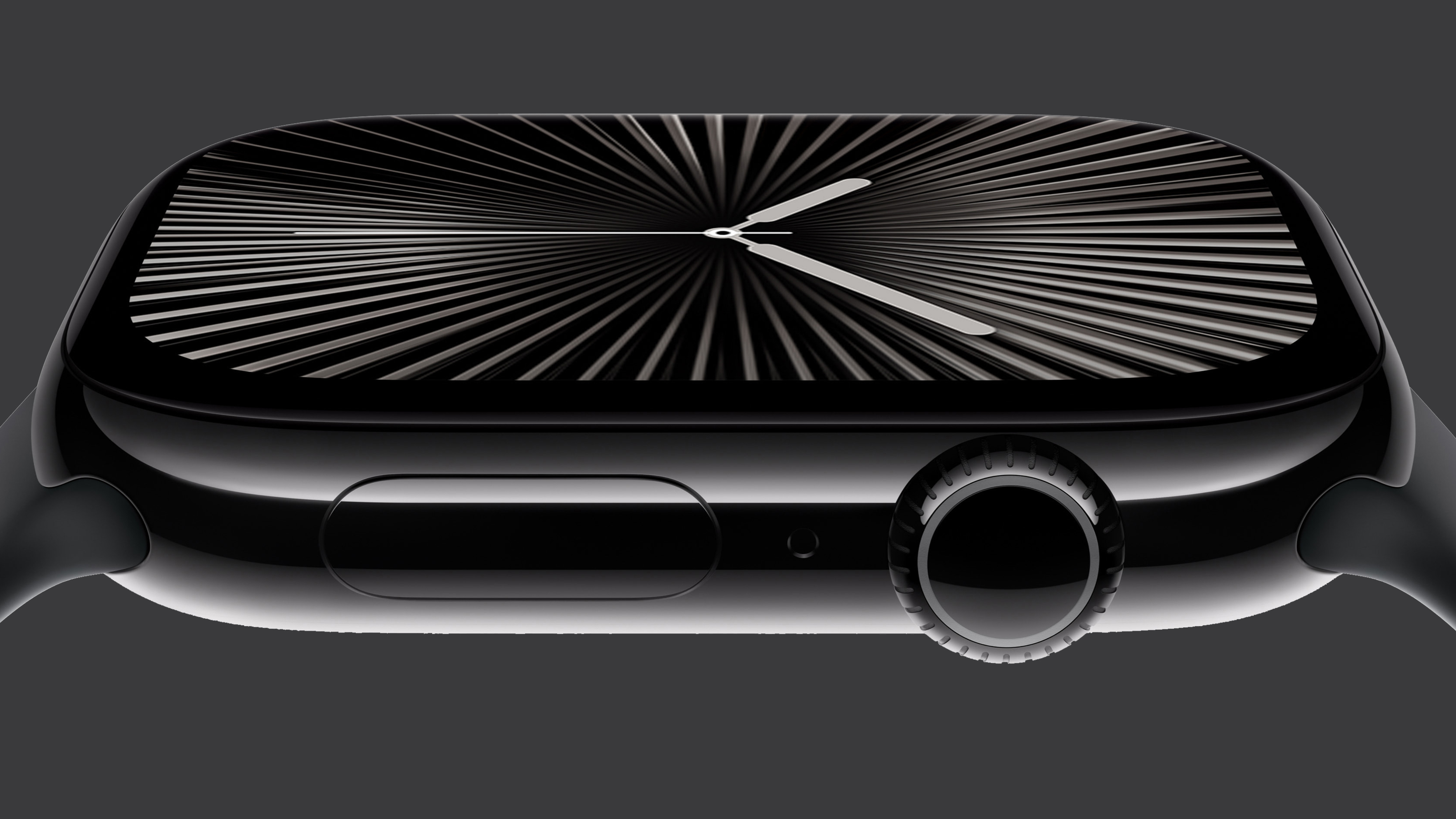 Some Apple Watch Series 10 users are reportedly getting free replacements
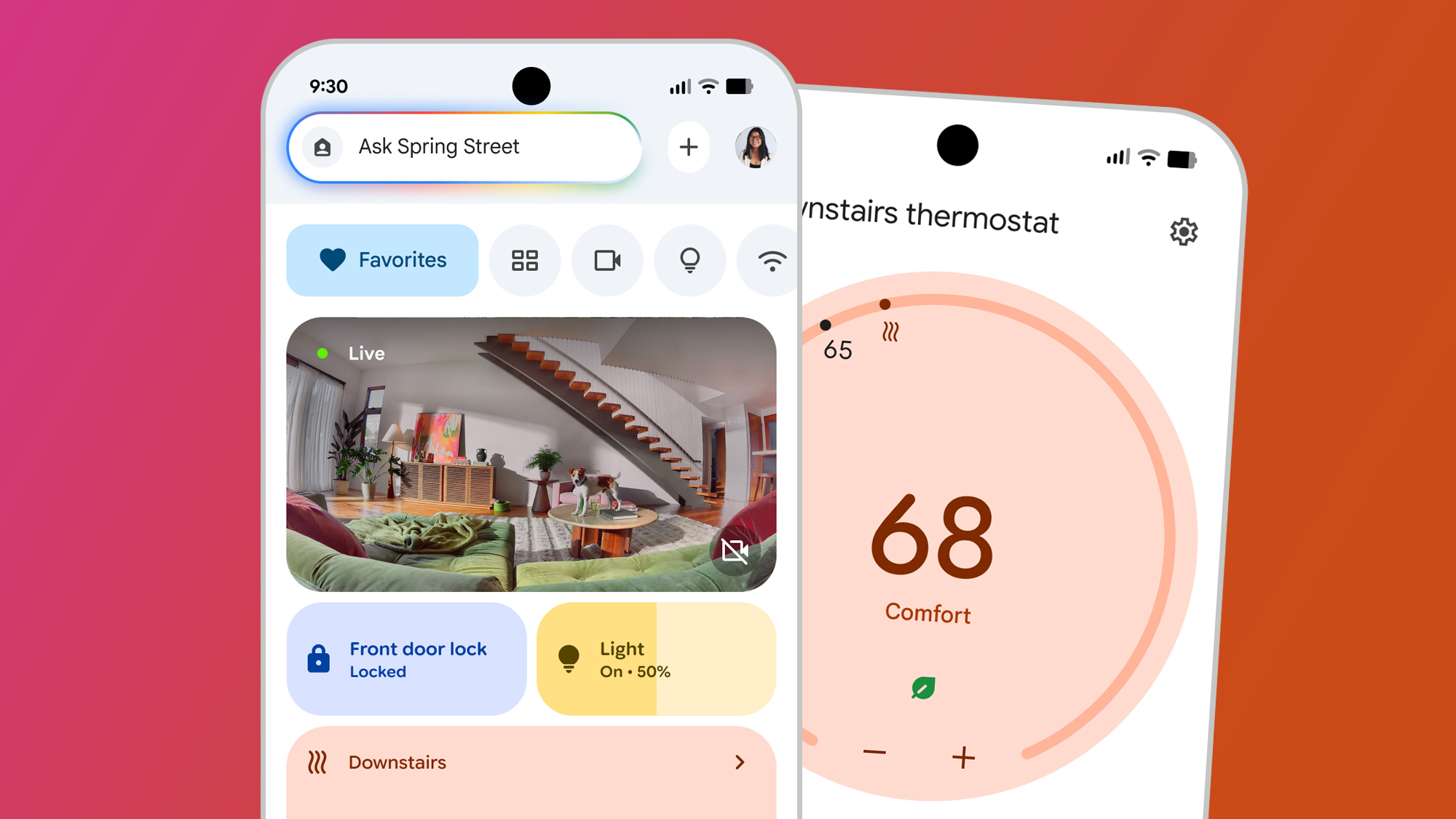 This newly discovered hack may enable Gemini for Home early
 The Samsung Galaxy S26 series might come in these six colors – including an iPhone 17 Pro-inspired one
 French Football Federation suffers data breach that compromised Club member's data
 LaLiga football streaming behind Cloudflare weekend outages as Spaniards turn to Proton VPN
LATEST ARTICLES
LaLiga football streaming behind Cloudflare weekend outages as Spaniards turn to Proton VPN
LATEST ARTICLES- 1Windows 11 File Explorer fudge works, I just wish it was fixed properly
- 2Some Apple Watch Series 10 users are reportedly getting free replacements
- 3This newly discovered hack may enable Gemini for Home early
- 4French Football Federation suffers data breach that compromised Club member's data
- 5The Samsung Galaxy S26 series might come in these six colors – including an iPhone 17 Pro-inspired one